Alight Motion Mod APK v5.0.281 (2026) – Premium Unlocked, No Watermark
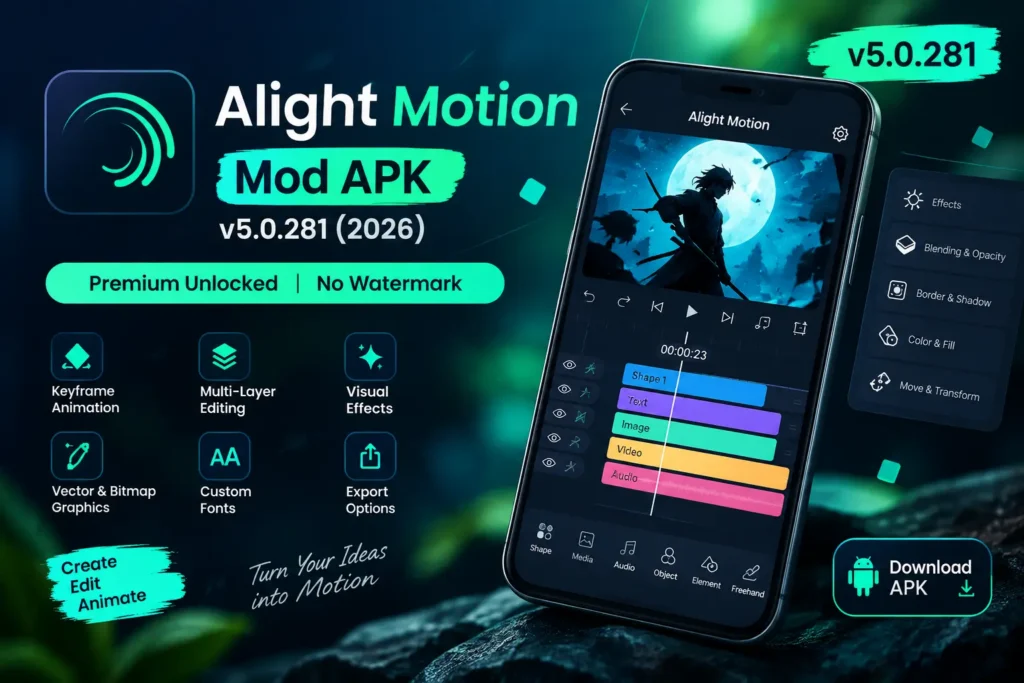
Alight Motion Mod APK is a modified version of the popular mobile video and motion graphics editor. It is designed for Android users who want advanced tools for animation, visual effects, keyframe editing, multi-layer projects, and motion graphics.
The version listed on this page is v5.0.281. This guide explains its main editing features, system requirements, installation process, Android and iOS compatibility, PC support, common problems, and the differences between the official app and third-party modified versions.
Important: Alight Motion is officially distributed through Google Play and the Apple App Store. Modified APKs are third-party versions and are not supported by the developer. They can carry security, privacy, compatibility, or project-loss risks. Always keep backups of important projects.
What Is Alight Motion?
Alight Motion is a mobile video editing and motion graphics application developed for smartphones and tablets. Unlike basic video editors, it focuses heavily on animation and creative control.
The app supports multiple layers, keyframe animation, vector and bitmap graphics, visual effects, masking, camera controls, color adjustments, custom fonts, and other tools for creating more detailed projects.
It can be useful for:
- Motion graphics
- Short-form social media videos
- Animated text
- Logo animations
- Video effects
- Character animation
- AMV and fan edits
- YouTube and TikTok content
- Creative mobile projects
Alight Motion Mod APK Features
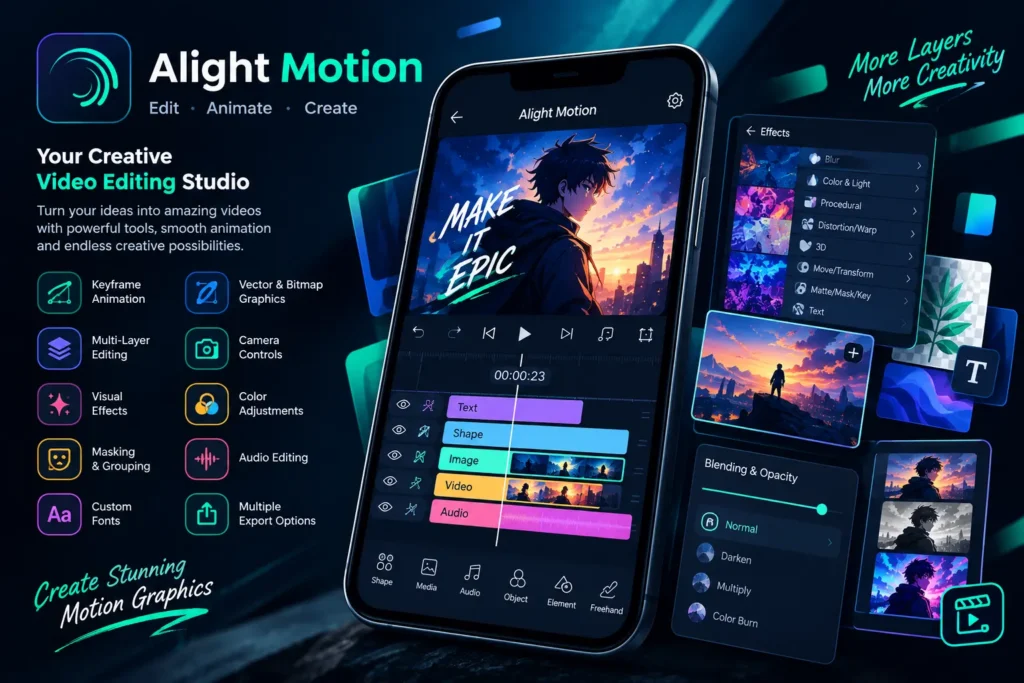
The modified version listed on this page may claim to provide access to premium-focused functionality. Features can vary between third-party builds, so they should not be treated as guaranteed official features.
Premium Editing Tools
Premium-focused tools can provide additional options for creators working on more advanced video and animation projects.
If you frequently create layered edits, animated graphics, or effect-heavy videos, having access to more editing controls can make the workflow more flexible.
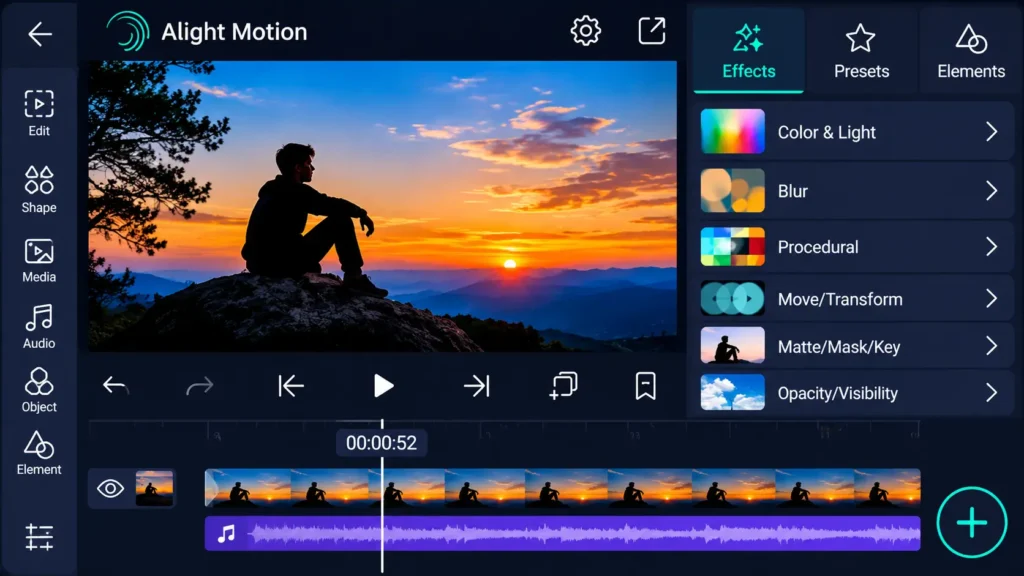
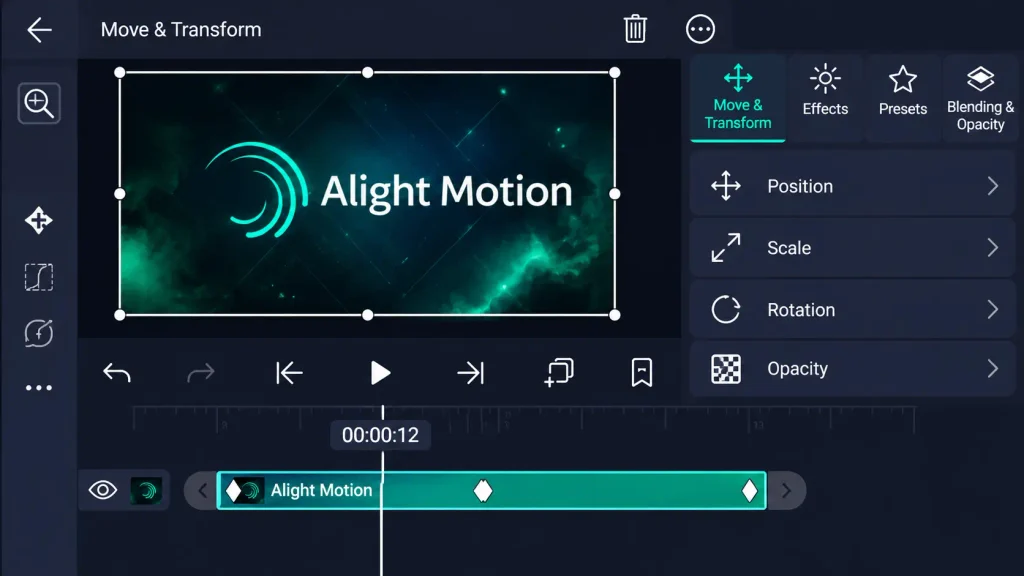
Keyframe Animation
Keyframes allow you to animate properties such as position, scale, rotation, opacity, and other supported settings over time.
This gives you greater control over how text, images, graphics, and other elements move throughout a project.
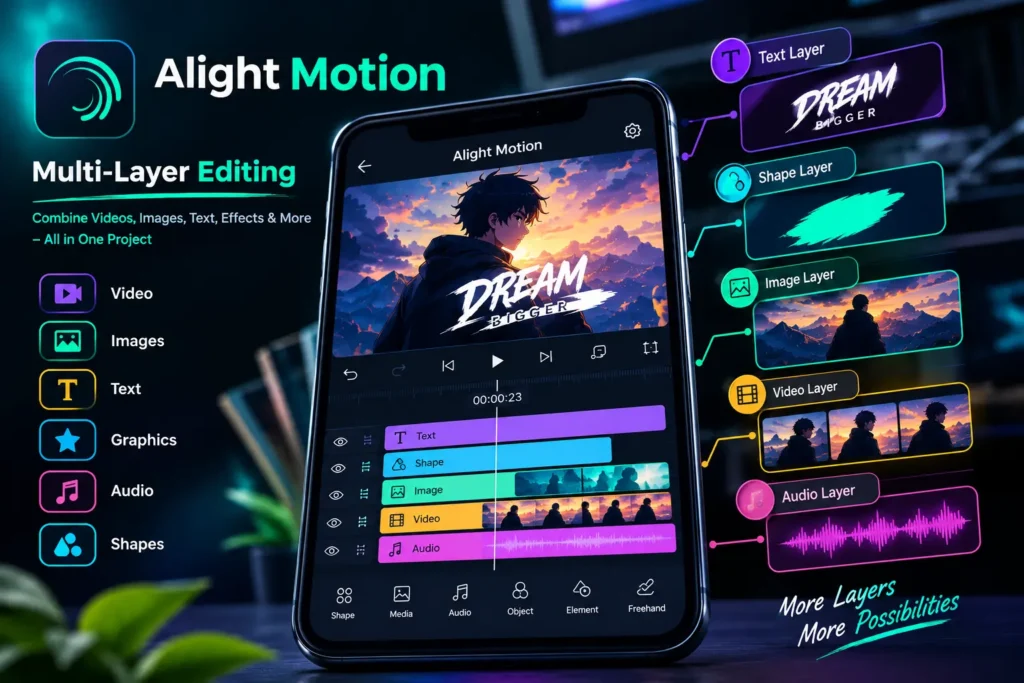
Multi-Layer Editing
- Video
- Images
- Text
- Graphics
- Audio
- Shapes
Create stunning motion graphics and social media edits with multi-layer editing
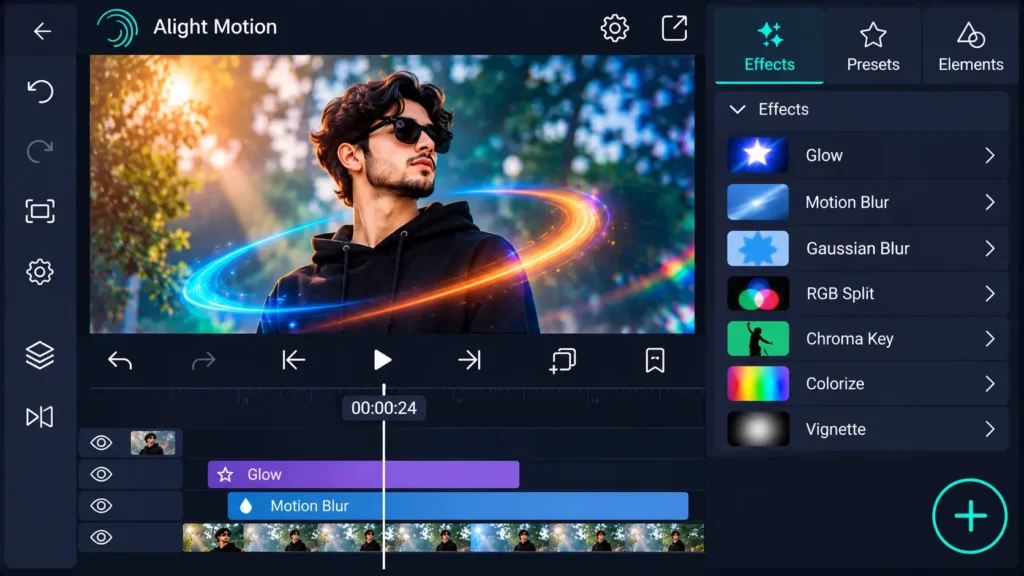
Visual Effects
The app provides a wide range of customizable effects that can be combined to create different visual styles.
The exact number and availability of effects can vary by version and platform, so check the installed version rather than assuming every effect is available on every device.
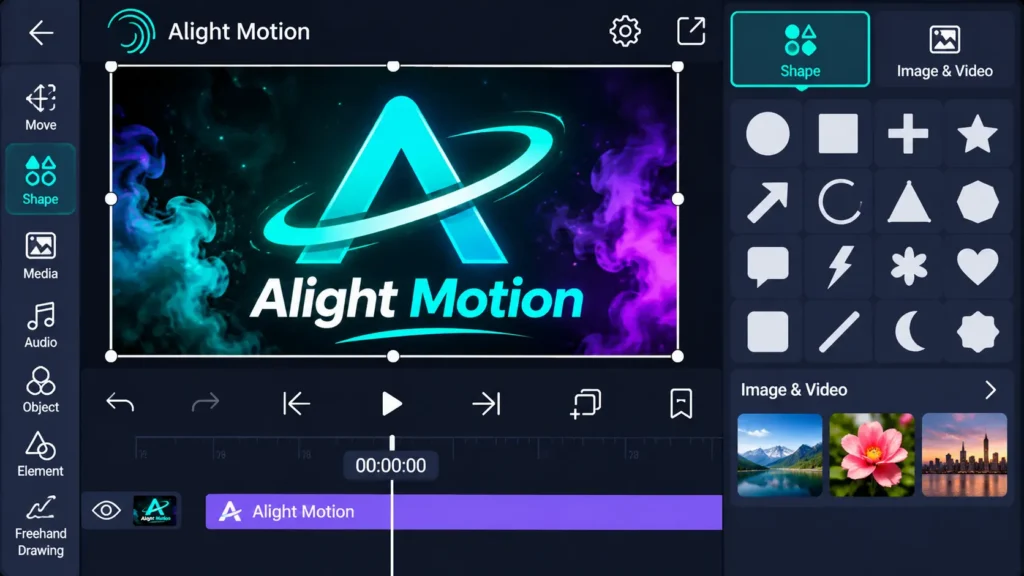
Vector and Bitmap Graphics
Alight Motion supports both vector and bitmap graphics, allowing creators to edit scalable shapes, logos, illustrations, and images while combining visual elements to create engaging designs and motion graphics.
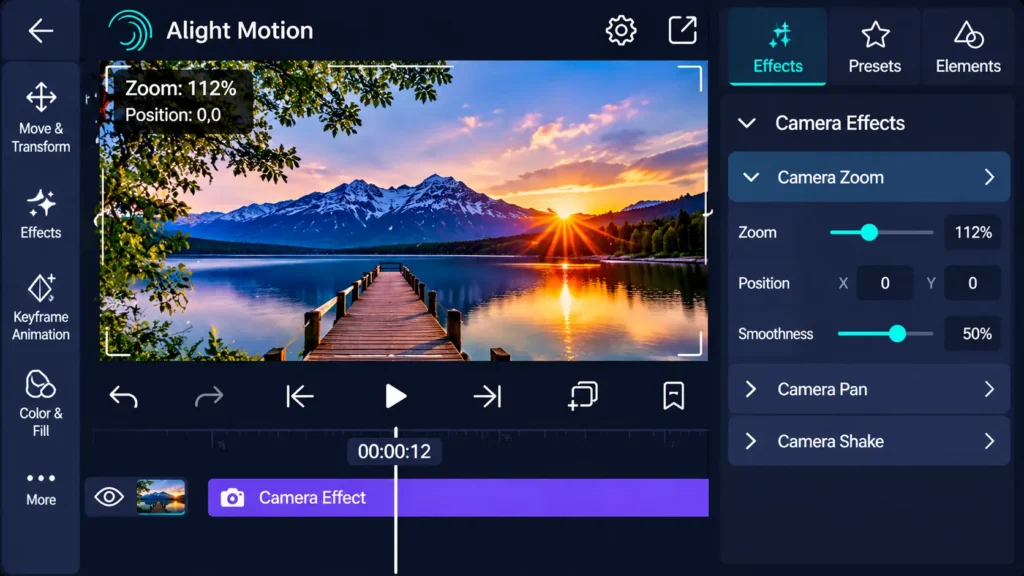
Camera Effects
Camera controls allow creators to add smooth pan and zoom movements, adjust the framing of different scenes, and create more dynamic videos. These tools also help improve depth, guide viewer attention, and make transitions and animations feel more natural and engaging.
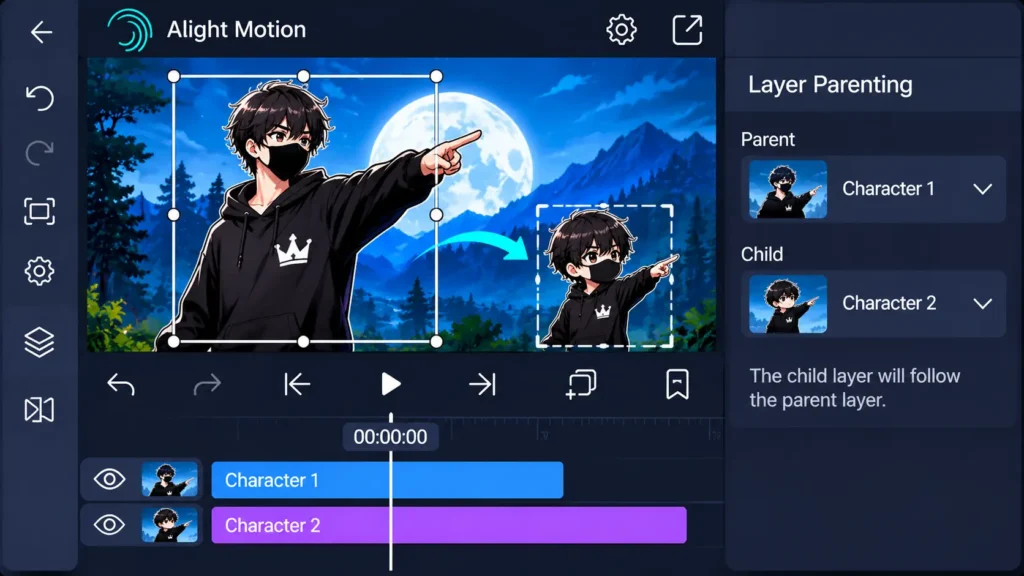
Layer Parenting
Parenting allows one layer to control or follow another layer. This can simplify animations involving multiple objects, characters, or grouped elements.
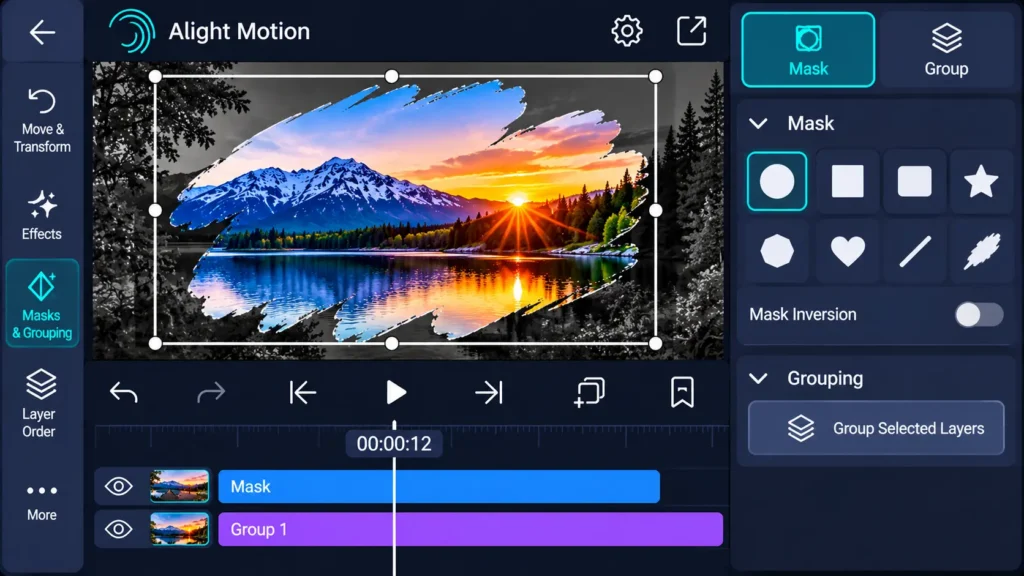
Masks and Grouping
Masks can help isolate or reveal specific parts of a layer, while grouping makes it easier to organize and manipulate multiple elements together.
These tools are especially useful for transitions, creative effects, and motion graphics.
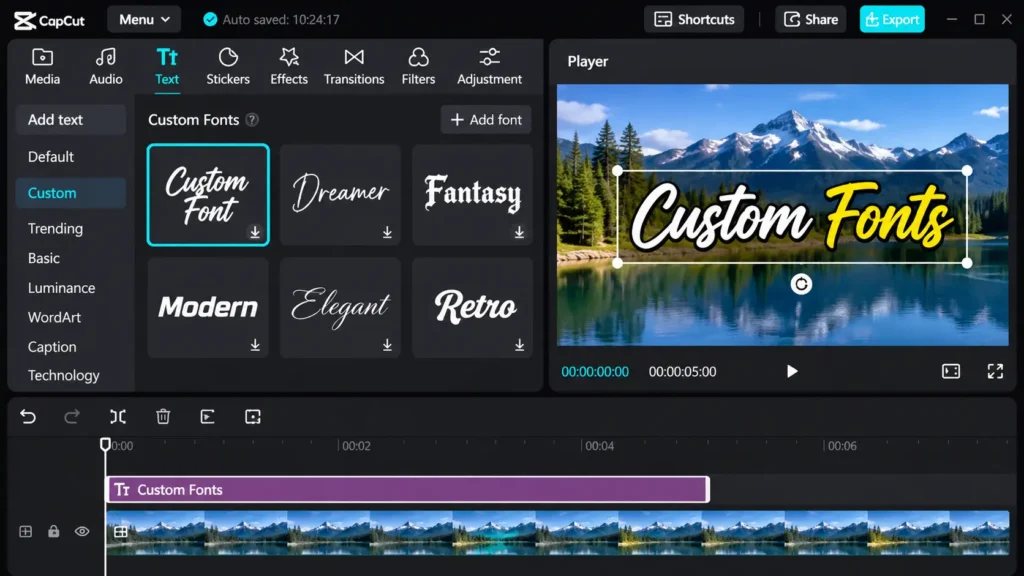
Custom Fonts
Creators can use custom fonts to give their videos, titles, captions, and animated text a more personalized and professional appearance. Different font styles, sizes, and designs help make text more attractive, improve readability, and match the overall theme of each editing project.
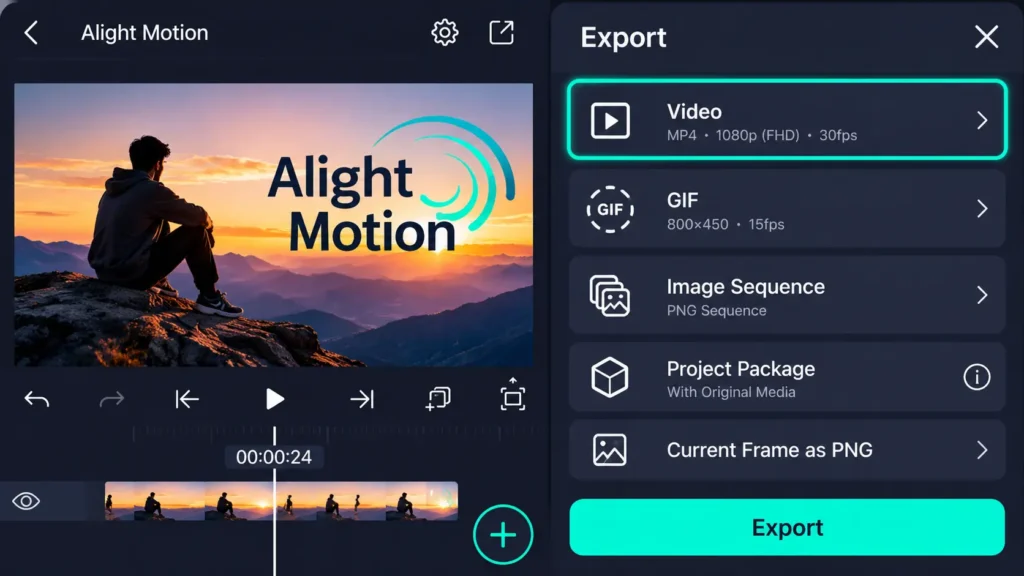
Multiple Export Options
Depending on the version and project settings, Alight Motion supports export options such as video, GIF, and image sequences.
The available export settings can vary depending on the device and version.
Alight Motion App Information
| Detail | Information |
|---|---|
| App Name | Alight Motion |
| Version Listed on This Page | v5.0.281 |
| Category | Video & Animation |
| Developer | Alight Creative, Inc. |
| Android Requirement | Android 6.0+ |
| Recommended Android Version | Android 7.0+ |
| Minimum RAM | 1.5 GB |
| Recommended RAM | 2 GB+ |
| Platforms | Android, iPhone & iPad |
| iOS Requirement | iOS 14.4+ |
| File Type | APK |
| License | Freemium |
The official minimum requirements include Android 6.0 or newer with at least 1.5 GB of RAM. Newer Android versions and additional memory may provide a better experience, especially when working with larger projects.
About Alight Motion v5.0.281
The version listed on this page is v5.0.281.
Before installing any APK, check the version number, file details, device compatibility, and available storage. Video editing and motion graphics projects can require considerably more processing power than simple video playback.
Performance may also vary depending on:
- Device chipset
- Available RAM
- Project resolution
- Number of layers
- Video length
- Effects used
- Storage space
For this reason, a feature that works smoothly on one device may perform differently on another.
How to Install Alight Motion Mod APK on Android
If you decide to install a third-party APK, use the following process carefully.
Step 1: Check Your Device
Confirm that your Android version, RAM, storage, and hardware meet the requirements.
Step 2: Download the APK
Download the file from the source you trust and verify that the version matches the one you intend to install.
Step 3: Review Android Security Settings
Android may restrict APK installations from sources outside Google Play. If you choose to continue, review the relevant setting carefully and only proceed when you trust the source.
Step 4: Install the APK
Open the downloaded APK and follow the installation instructions displayed by Android.
If you already have another version installed, avoid replacing it before backing up important projects.
Step 5: Open and Test the App
Launch Alight Motion after installation and check whether your projects, effects, fonts, and export functions work correctly.
Tip: Back up important projects before uninstalling, replacing, or reinstalling Alight Motion.
Is Alight Motion Available for PC?
Alight Motion does not officially support Windows or macOS.
If you want to use an Android application on a computer, some users consider Android emulators, but this is different from official PC support and performance can vary considerably between systems.
For more information, see our Alight Motion for PC guide.
Alight Motion for iPhone and iPad
Alight Motion officially supports iPhone and iPad devices running iOS 14.4 or later.
iOS users should obtain the app through the Apple App Store. An Android APK cannot be installed directly on an iPhone or iPad because APK files are designed for Android.
For platform-specific information, see our Alight Motion for iOS guide.
Official Version vs Premium vs Mod APK
| Feature | Official Free Version | Premium Subscription | Modified APK |
|---|---|---|---|
| Official distribution | Yes | Yes | No |
| Ads | May appear | Depends on plan | May be removed |
| Premium features | Limited | Available | Claimed unlocked |
| Watermark | May apply | Depends on plan | Claimed removed |
| Official updates | Yes | Yes | Depends on source |
| Developer support | Yes | Yes | No |
| Security assurance | Official distribution | Official distribution | Cannot be guaranteed |
The biggest difference is official support and trust.
The official version is distributed and maintained by the developer, while a modified APK is changed by a third party. This means its behavior, security, compatibility, and update process cannot be guaranteed.
Alight Motion System Requirements
Android Requirements
- OS: Android 6.0 or newer
- RAM: At least 1.5 GB
- Hardware: Compatible Android device
- Storage: Enough free space for the app and your projects
iPhone and iPad Requirements
- OS: iOS 14.4 or newer
- Devices: Compatible iPhone or iPad
- Storage: Sufficient free space for the app and editing projects
Windows and macOS
- Windows: Not officially supported
- macOS: Not officially supported
- Emulators: May work with varying performance
- PC Support: Unofficial
How to Improve Alight Motion Performance
If Alight Motion becomes slow or the preview starts lagging, the project may be placing too much load on your device.
Try these steps:
- Reduce project resolution when possible.
- Avoid unnecessarily large video files.
- Reduce the number of heavy effects.
- Close unused apps running in the background.
- Keep enough free storage available.
- Avoid putting too many demanding layers into one project.
- Use a compatible version of the app.
- Restart your device if performance suddenly becomes unstable.
High-resolution projects, particularly 4K projects, can require significantly more processing power and memory.
Common Alight Motion Problems and Fixes
Alight Motion Keeps Crashing
Start by restarting your device and making sure the app and operating system are compatible and up to date.
Also close other demanding applications and check whether your device has enough available memory and storage.
If the problem occurs only with one project, the project itself may be too demanding for your device.
Alight Motion Is Lagging
Lag can occur when a project contains high-resolution media, many layers, or several demanding effects.
Try lowering the project workload, reducing media resolution, or temporarily disabling heavy effects.
Export Is Taking Too Long
Exporting can take longer when using high resolution, high frame rates, long videos, or multiple effects.
Reducing resolution or frame rate can help decrease processing time.
Projects Disappeared After Reinstalling
Be careful when uninstalling the app.
Locally stored projects can be lost if they have not been backed up. Always protect important projects before uninstalling or reinstalling the application.
Pros and Cons
Pros
- Advanced mobile motion graphics tools
- Keyframe animation
- Multi-layer editing
- Vector and bitmap support
- Custom fonts
- Masking and grouping
- Camera controls
- Multiple export options
- Available for Android and iOS
Cons
- Advanced projects can require powerful hardware
- High-resolution projects may cause lag
- The official free version has limitations
- Modified APKs are not officially supported
- Windows and macOS are not officially supported
Alight Motion Alternatives
Alight Motion is especially focused on animation and motion graphics, but different editors may be better for specific workflows.
Some alternatives include:
- CapCut – useful for short-form and social media editing
- VN Video Editor – suitable for straightforward video editing
- InShot – useful for quick mobile content
- KineMaster – offers multi-layer mobile editing
- Filmora – provides a broader editing workflow
If you are comparing different editors, see our Alight Motion Alternatives and Comparisons guide.
Is Alight Motion Mod APK Safe?
There is no universal way to guarantee that a modified APK is safe.
Unlike the official application, third-party APKs can be altered by unknown developers. This creates additional risks involving malware, privacy, compatibility, unwanted permissions, or project and data loss.
For the lowest-risk option, use the official Alight Motion application from Google Play or the Apple App Store.
If you decide to use a third-party APK anyway:
- Download only from a source you trust.
- Avoid unnecessary app permissions.
- Scan downloaded files with reputable security software.
- Keep Android security features enabled.
- Back up important projects.
- Do not use sensitive accounts inside an untrusted modified application.
Frequently Asked Questions
Is Alight Motion Mod APK free?
Modified APKs are generally distributed as third-party versions that claim to unlock premium or paid functionality. They are not the official distribution method provided by Alight Motion.
Can Alight Motion remove the watermark?
Watermark behavior depends on the app version and subscription features. A modified APK may claim to remove the watermark, but such modifications are not officially supported.
Does Alight Motion support 4K?
Alight Motion can handle high-resolution projects, but performance depends heavily on the device. 4K projects can require significantly more processing power, memory, and storage.
Can I use Alight Motion on PC?
Windows and macOS are not officially supported by Alight Motion. Android emulators may provide an alternative way to run some Android applications, but this is not the same as official PC support.
Can I install an APK on iPhone?
No. APK files are designed for Android and cannot be installed directly on an iPhone or iPad. iOS users should obtain Alight Motion through the Apple App Store.
What Android version does Alight Motion require?
The official minimum requirement is Android 6.0 or newer.
How much RAM does Alight Motion need?
The official minimum is 1.5 GB of RAM, while having more than 2 GB can provide a better experience for more demanding projects.
Why does Alight Motion crash?
Crashes can be related to device compatibility, available memory, operating-system issues, app versions, or demanding projects. Restarting the device, updating compatible software, closing other apps, and reducing project complexity can help identify the problem.
Final Verdict
Alight Motion is a powerful mobile editor for creators who want more control than a basic video editing application provides. Its combination of keyframe animation, multi-layer editing, vector graphics, visual effects, masking, camera controls, and flexible export options makes it particularly useful for motion graphics and advanced mobile projects.
The v5.0.281 version listed on this page may appeal to users looking for a modified build with premium features, but third-party APKs come with additional risks that do not apply in the same way to the official application.
If security, stability, official updates, and developer support are your priorities, the official version is the safer choice. If you choose a third-party APK, understand the risks first and always keep backups of important projects.