Alight Motion Old Version APK Download: Older Versions and Installation Guide
Looking for an Alight Motion old version because a recent update changed your editing workflow or does not work well on your device? An older release may be worth considering if you need a familiar interface or want to check whether a specific build works with your existing projects.
Alight Motion is a mobile motion graphics and video editing app with keyframe animation, multi-layer editing, visual effects, vector and bitmap support, and audio tools. However, older releases may not include every feature available in the current version, and compatibility can vary by device.
This guide explains how to compare older versions, check Android compatibility, understand APK and XAPK files, protect your projects, and choose a suitable download source.
Before downloading: An old version does not automatically mean a MOD APK, premium-unlocked app, or watermark-free export. Verify the exact file and its source before installing it.
Alight Motion Old Versions List
Uptodown maintains a version history for Alight Motion on Android. The following builds appear in its older-version listing. The archive identifies these files as XAPK packages and lists Android 7.0 or later for the entries shown below.
| Version / build | Listed format | Archive-listed Android requirement |
| 5.0.273.1028425 | XAPK | Android 7.0+ |
| 5.0.273.1028417 | XAPK | Android 7.0+ |
| 5.0.273.1028416 | XAPK | Android 7.0+ |
| 5.0.273.1028414 | XAPK | Android 7.0+ |
| 5.0.273.1028413 | XAPK | Android 7.0+ |
| 5.0.273.1028412 | XAPK | Android 7.0+ |
| 5.0.272.1028407 | XAPK | Android 7.0+ |
| 5.0.272.1028406 | XAPK | Android 7.0+ |
| 5.0.272.1028401 | XAPK | Android 7.0+ |
| 5.0.272.1028400 | XAPK | Android 7.0+ |
| 5.0.272.1028399 | XAPK | Android 7.0+ |
| 5.0.272.1028398 | XAPK | Android 7.0+ |
| 5.0.271.1002592 | XAPK | Android 7.0+ |
| 5.0.270.1002578 | XAPK | Android 7.0+ |
| 5.0.269.1002556 | XAPK | Android 7.0+ |
View the complete version history: Alight Motion older versions on Uptodown.
Source note: Version numbers, package formats, and Android requirements above are reported by Uptodown’s version history. Archive entries can change, and a listing does not independently prove that a file is safe, unmodified, or officially supported. Check the exact details on the source page before downloading.
Which Older Version Should You Choose?
There is no single old version that is best for every phone. Start by identifying the problem you want to solve.
- For a compatibility issue: Compare your Android version with the requirements shown for the specific build.
- For an existing project: Check whether the project uses effects, fonts, or features that may not be available in an earlier release.
- For an interface you prefer: Confirm the exact build rather than relying on the shorter version number alone.
- For a file that will not install: Check whether it is an APK or XAPK and whether your device supports the package format.
Do not choose a build only because its file size is smaller. A smaller download does not prove that the app will run faster or use less memory.
What Is the Difference Between APK and XAPK?
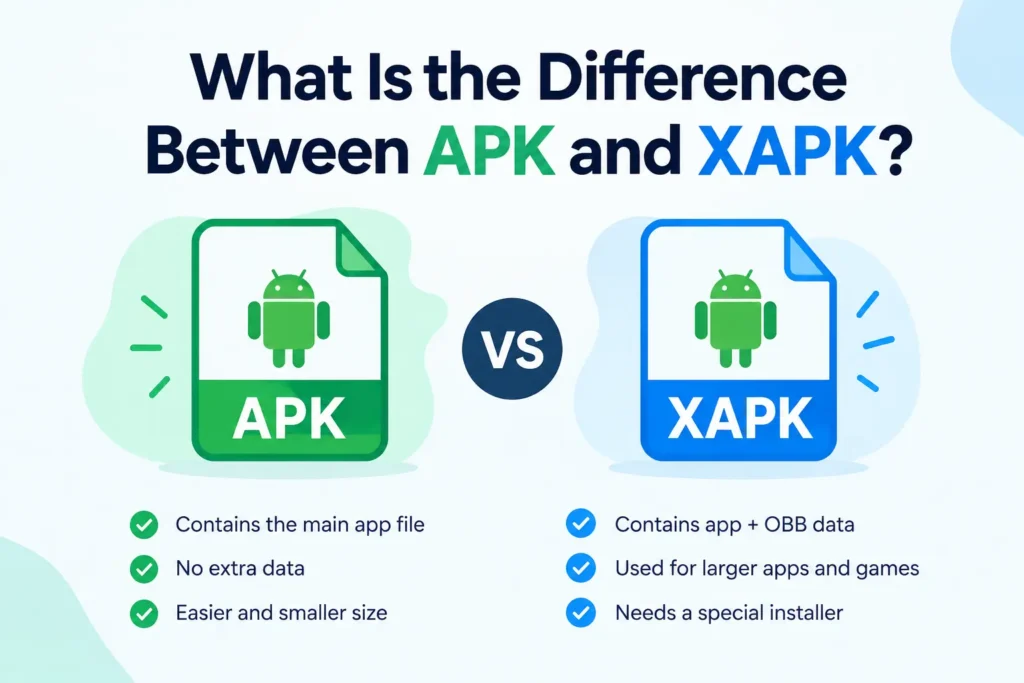
An APK is the standard Android application package format. XAPK is a distribution format that can bundle an APK with additional files or components required by an app.
This distinction matters because the older-version archive above lists XAPK files. The installation process may therefore differ from installing a standard APK, depending on the package and device.
Before downloading, check the format displayed on the source page. Do not rename a file from XAPK to APK and assume that it will install correctly.
How to Check Alight Motion Compatibility
Alight Motion’s official Help Center lists the following general requirements:
- Android: Android 6.0 or later, with Android 7.0 or later recommended for best performance.
- RAM: At least 1.5 GB, with more than 2 GB recommended for better performance.
- iPhone and iPad: iOS or iPadOS 14.4 or later.
- Windows and macOS: These operating systems are not officially supported for the app itself.
The Help Center also notes that device chipsets and Play Protect certification can affect compatibility. These are the general requirements for Alight Motion, not a guarantee that every historical build will work on every device.
Check the official minimum requirements guide before installing an older release.
How to Download and Install an Older Alight Motion Version
Follow these steps before replacing your current version.
1. Back Up Your Projects
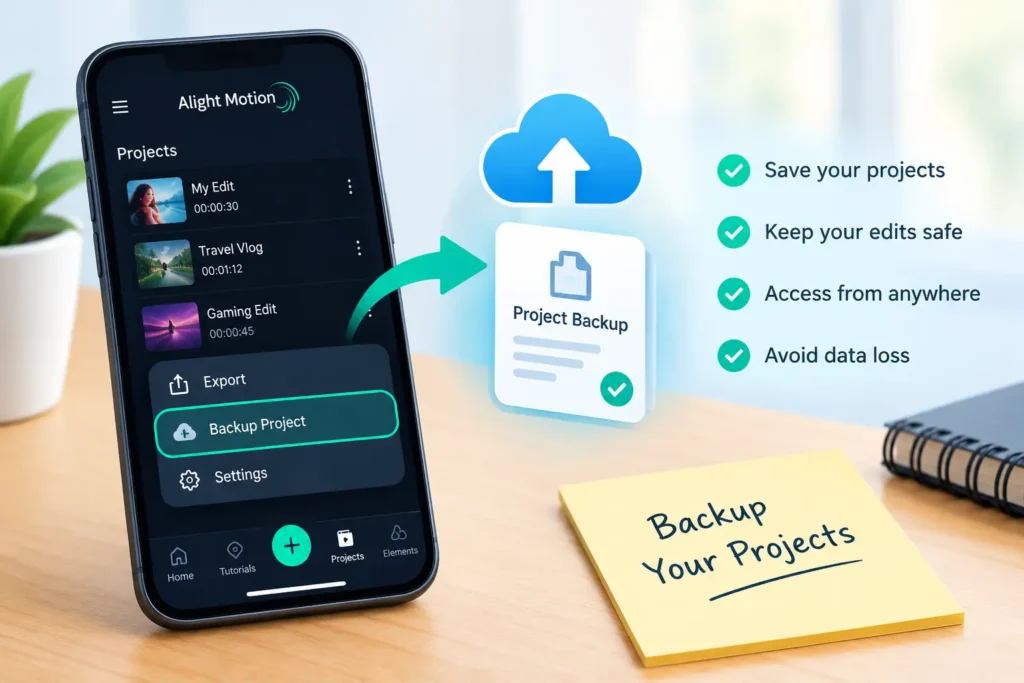
Protect your important edits before uninstalling the app or changing versions. Export or back up your projects using the available options, then confirm that your backup is accessible.
Do not assume that uninstalling and reinstalling Alight Motion will preserve projects stored locally on your device.
2. Check the Exact Build
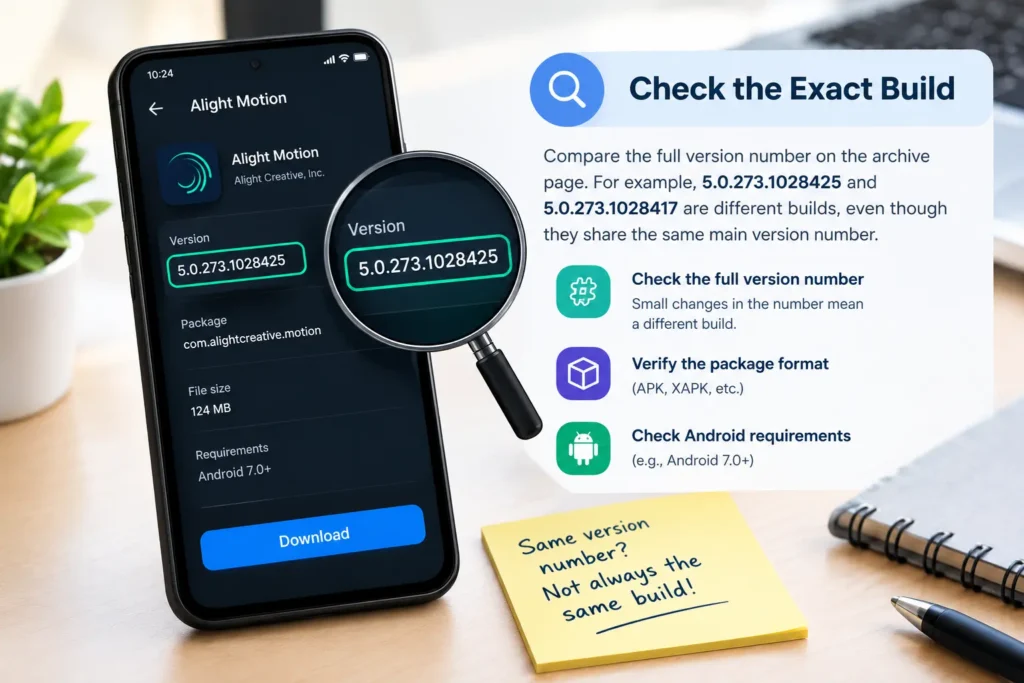
Compare the full version number on the archive page. For example, 5.0.273.1028425 and 5.0.273.1028417 are different builds, even though they share the same main version number.
Check the listed package format and Android requirements as well.
3. Review the Download Source
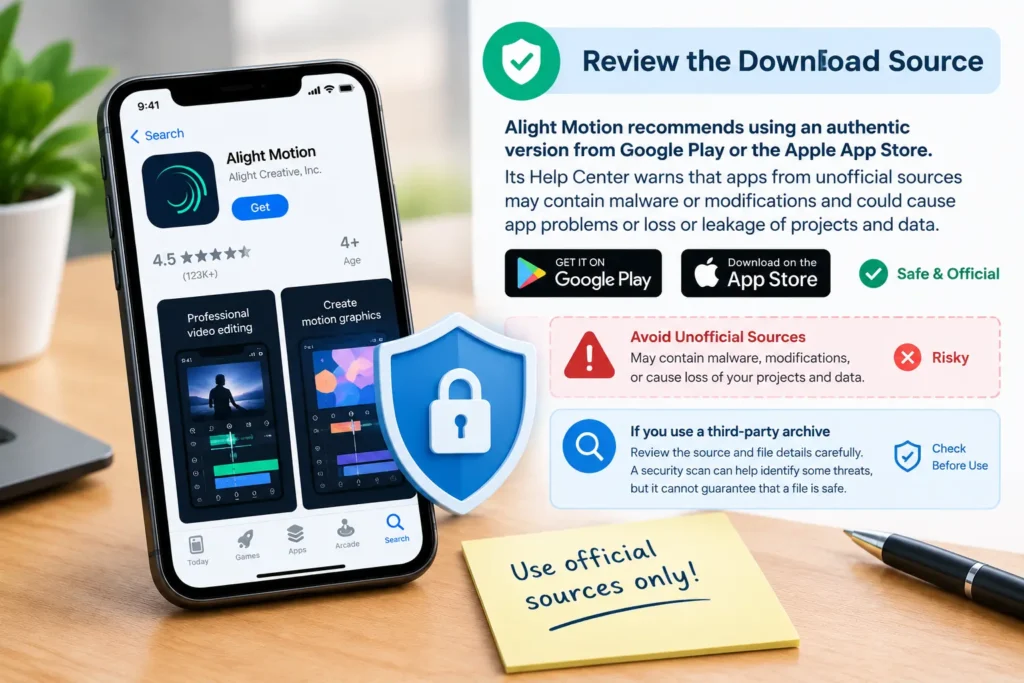
Alight Motion recommends using an authentic version from Google Play or the Apple App Store. Its Help Center warns that apps from unofficial sources may contain malware or modifications and could cause app problems or loss or leakage of projects and data.
If you consider a third-party archive, review the source and file details carefully. A security scan can help identify some threats, but it cannot guarantee that a file is safe.
4. Understand Installation Conflicts
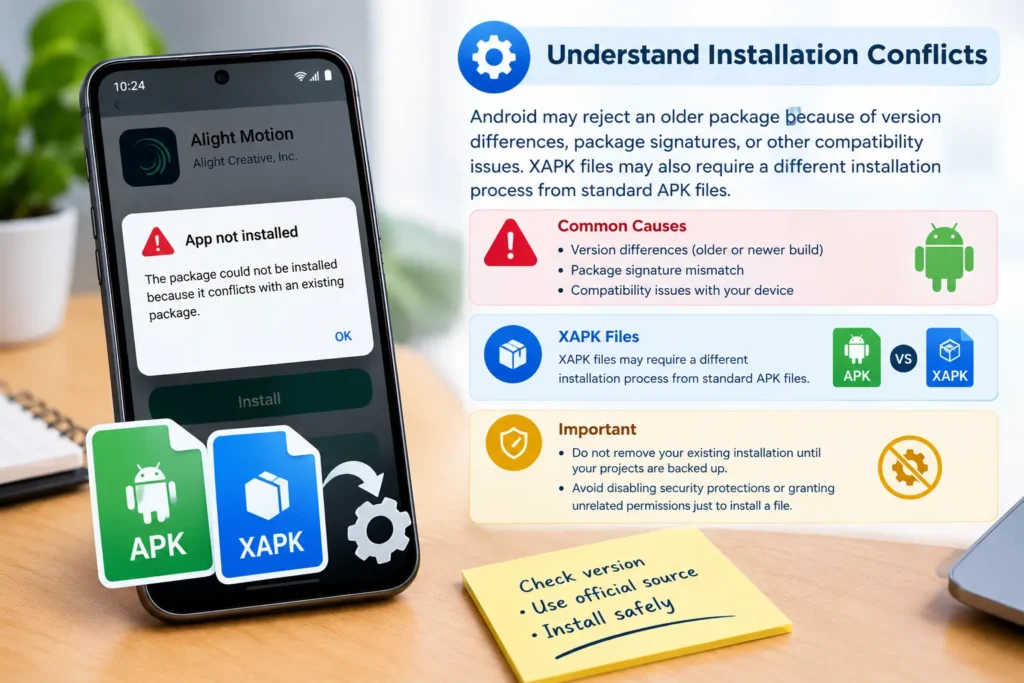
Android may reject an older package because of version differences, package signatures, or other compatibility issues. XAPK files may also require a different installation process from standard APK files.
Do not remove your existing installation until your projects are backed up. Avoid disabling security protections or granting unrelated permissions just to install a file.
5. Test Before Editing Important Projects
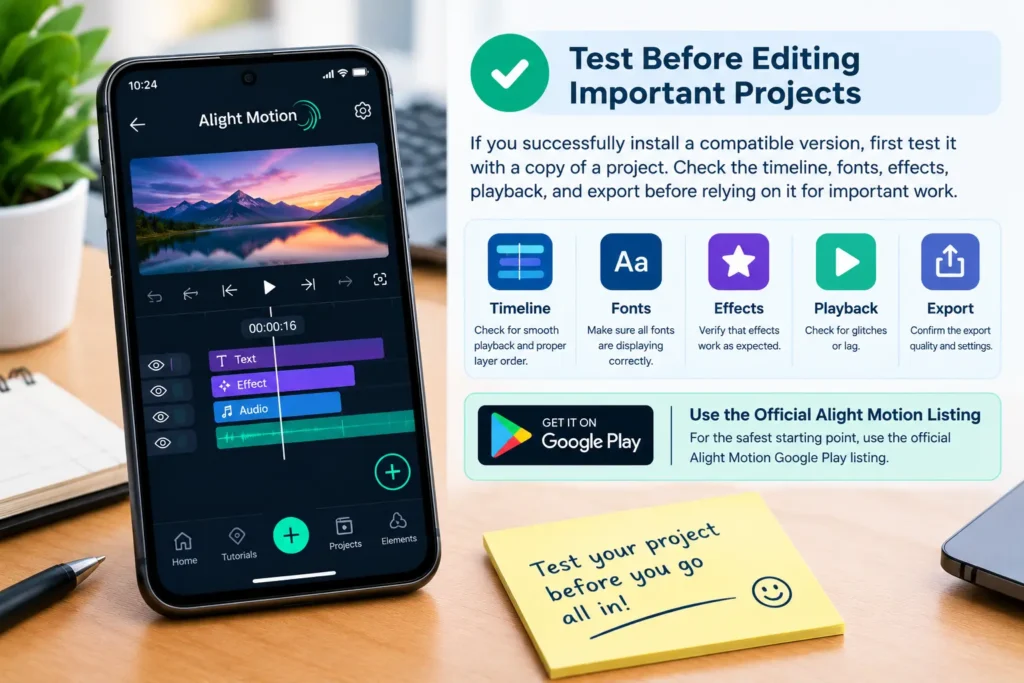
If you successfully install a compatible version, first test it with a copy of a project. Check the timeline, fonts, effects, playback, and export before relying on it for important work.
For the safest starting point, use the official Alight Motion Google Play listing.
Why Do People Use an Older Alight Motion Version?
Users may look for older releases for several reasons, but the results depend on the individual device and build.
🎛️Familiar Editing Controls
An update can change menus or the way a tool is accessed. Some creators prefer a familiar interface, especially when following an established editing workflow.
🔧Troubleshooting an Update
If a problem begins after an update, an older version may seem like a possible workaround. However, downgrading is not a guaranteed fix. The issue could also be related to the device, operating system, available memory, project complexity, or app settings.
🎨Existing Projects and Effects
Projects created in a newer release may use tools or effects that an older build does not support. Keep a backup and test a duplicate rather than risking your only copy.
For official troubleshooting guidance, visit the Alight Motion Help Center.
Does Alight Motion Old Version Remove the Watermark?
No. Installing an older version does not guarantee watermark-free exports.
The official app listing explains that the free experience includes a watermark on videos. Paid membership options are available to remove the watermark and access premium effects and features.
Third-party websites may advertise a MOD APK as “no watermark” or “premium unlocked,” but these descriptions are not proof that a file is genuine, safe, or authorized. Check the membership details in the official app if you want to use its supported watermark-removal option.
See the official Alight Motion listing for current app and membership information.
Alight Motion Old Version vs Latest Version
| Feature | Older version | Latest official version |
| Interface | May suit a familiar workflow | Includes the current interface |
| Features | May lack newer tools or improvements | Receives supported updates |
| Compatibility | Depends on the specific build | Check current store requirements |
| Security updates | May not include later fixes | Better starting point for current support |
| Existing projects | Newer projects may not work as expected | Usually the better starting point for current projects |
| Watermark | Not automatically removed | Free exports include a watermark; paid options are available |
Which should you choose? The latest official version is the better starting point for most users because it receives current updates and support. Consider an older release only when you have a specific reason and have checked its compatibility and risks.
Can You Use Alight Motion on a PC?
Alight Motion’s official Help Center lists Windows and macOS as unsupported operating systems for the app itself. Some people try Android emulators, but emulator compatibility is not guaranteed and does not make the app officially supported on desktop systems.
If you need a computer-based workflow, read our guide to Alight Motion for PC before choosing an approach.
Is Alight Motion Old Version Available for iPhone and iPad?
Android APK and XAPK files are not designed to install directly on an iPhone or iPad. iOS users should use the official Alight Motion App Store listing.
The official Help Center lists iOS or iPadOS 14.4 or later as the minimum requirement. Availability may also depend on the device and region.
For more details, see our Alight Motion for iOS guide.
Frequently Asked Questions
Which Alight Motion old version should I download?
Choose a build after checking its full version number, package format, Android requirements, and compatibility with your project. There is no single older version that is best for every device.
Is Alight Motion old version safe?
An older version is not automatically safe or unsafe. The official app stores are the recommended sources. Third-party files may be modified or malicious, so review the source and file details carefully.
Can an old version run faster on a low-end phone?
Not necessarily. Performance depends on the device, available memory, project complexity, effects, and the specific build. A smaller download does not prove better performance.
Will my projects work after downgrading?
Not always. A project may use features that are unavailable in the older release. Back up your work and test a copy before changing versions.
Does an old version unlock premium features?
No such guarantee can be made. Premium access depends on the app’s supported membership system. Treat claims that an unofficial MOD APK unlocks every feature with caution.
Can I install an old XAPK like a normal APK?
Not necessarily. XAPK is a different distribution format and may require a compatible installation method. Check the package format before downloading.
Can I install Alight Motion on Android 5?
The official Help Center lists Android 5.x and lower as incompatible. Do not assume that an older release will bypass this limitation.
Can I install an Android APK on an iPhone?
No. Android APK and XAPK packages are not designed for iOS. Use the official App Store listing for supported iPhone and iPad versions.
Final Verdict
Alight Motion old versions may help users investigate a compatibility issue or return to a familiar workflow. However, older builds are not guaranteed to be faster, safer, or compatible with every project, and they do not automatically remove watermarks or unlock premium features.
Check the exact build, package format, and device requirements before downloading. Back up your projects before changing versions, and use official sources whenever possible. If you decide to use a third-party archive, remember that its listing is not a guarantee that a file is safe, unmodified, or officially supported.